
Challenge · 2025
#33: Track 100 Reps with a Fitness Tracker
Make every rep count. Use a fitness tracker to monitor your performance, improve accountability, and collect the data that drives long-term gains.
By Editorial Team · · Updated
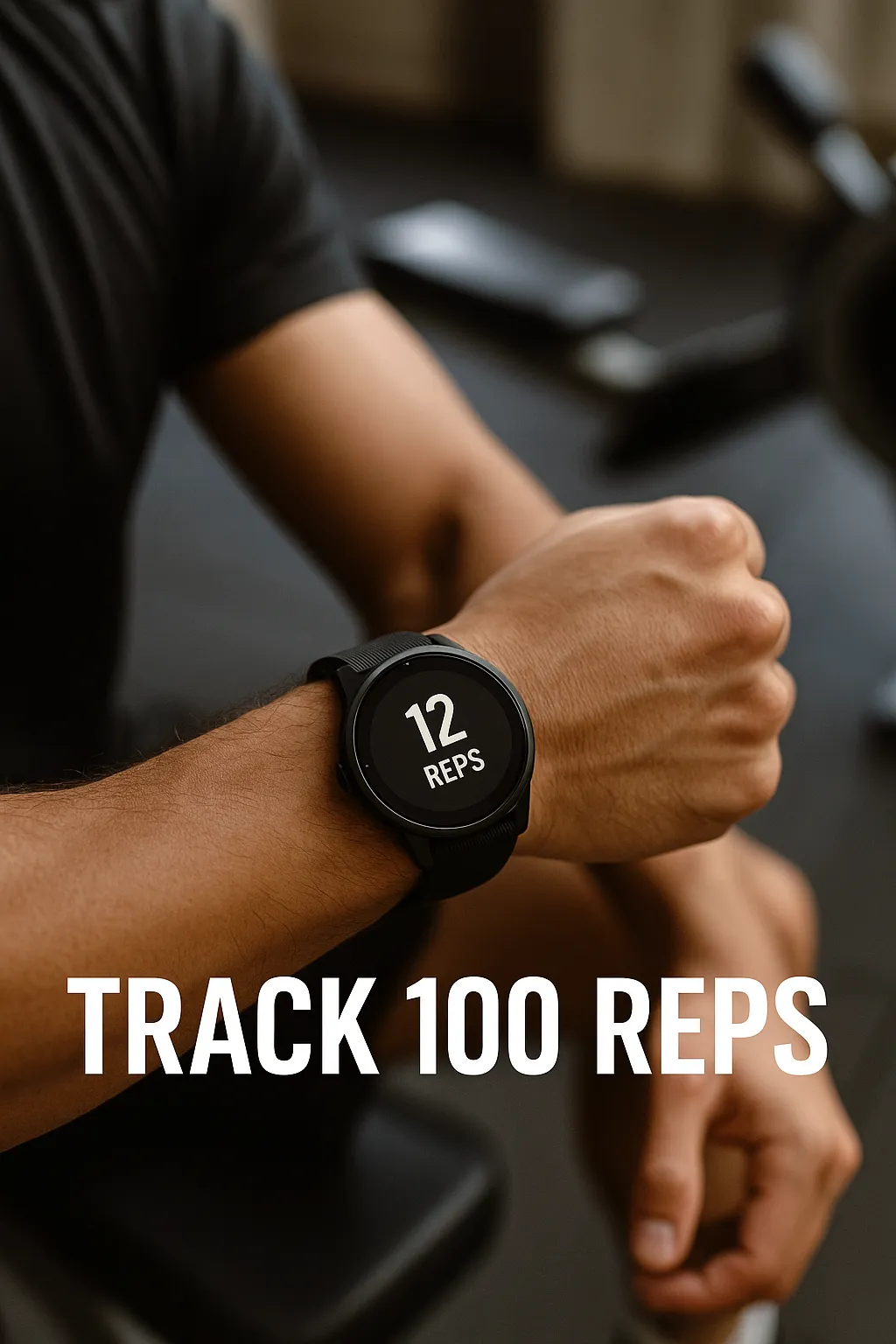
Intro: It’s easy to skip a rep. It’s harder when your fitness tracker is watching, track 100 reps with a fitness tracker.
This RB100 Challenge invites you to track 100 reps — of anything — using your fitness watch, app, or smart device. Whether it’s push-ups, swings, squats, or wall balls, logging these reps creates data-backed awareness and motivation.
Why Track Your Reps?
- Adds structure and consistency to your training
- Encourages clean form and rep integrity
- Helps identify trends in fatigue, recovery, and performance
- Creates a feedback loop — track, tweak, improve
Tools You Can Use
- Apple Watch + Strong app or Fitbod
- Garmin or COROS + strength tracking modes
- Whoop, Oura, or Fitbit for movement sessions
- Gyms with rep-tracking smart equipment or sensors
Example Rep Challenges to Track 100 Reps with a Fitness Tracker
- 100 wall balls using WallBallCounter.Pro
- 100 air squats with heart rate monitor feedback
- 100 kettlebell swings tracked via Strong app
- 10 rounds of 10 reps with rest intervals tracked
Tracking Tips
- Use video playback to compare form rep-by-rep
- Pair with heart rate and recovery metrics
- Review data post-session and add notes for context
- Make it a weekly habit: track one 100-rep workout per week
Pair it with:
External Resources:
Close-up of workout app showing 100-rep set completed Athlete doing reps in front of a fitness tracker or phone app
what gets measured gets improved.
— RB100.Fitness